Added On November 3, 2011
How To Create a Private Folder In Windows 7 Using MyLockbox
by Rusi
Step 1: Downoad and Install MyLockbox
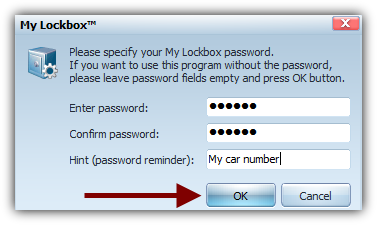
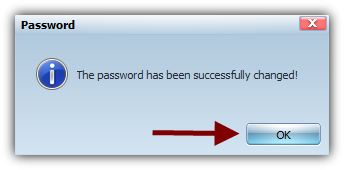
Step 2: Start the program and set your password
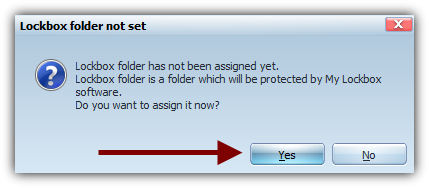
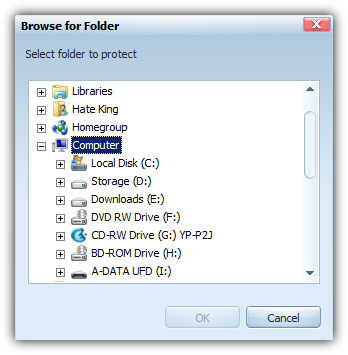
Step 2: Assign the folder you would like to protect
Note: This wizzard pops out automatically after you've set your password.
Set your folder
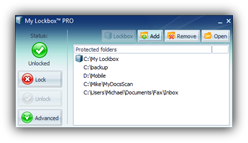
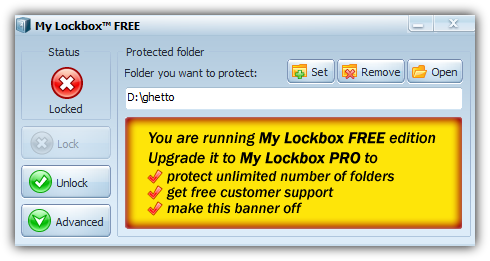
This is it. Your folder is know locked and it will become invisible.
You might also like...