Added On October 31, 2011
How To Enable Safety Browsing In Facebook
by Rusi
In order to increase your safety when using browsing you can enable the safety (https) browsing.
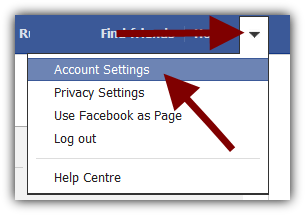
Go to your account settings
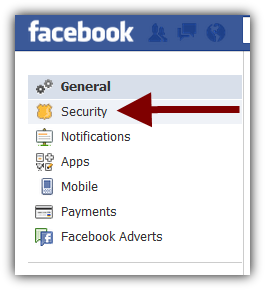
Choose Security
Click on EDIT
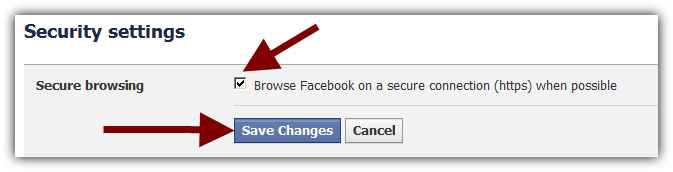
Enable https browsing and Save changes
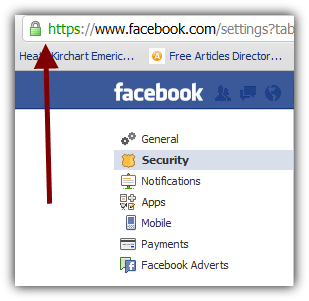
This is it. You can now enjoy safe https browsing.
You might also like...