CCleaner is a great free program that allows to boost the speed of your PC. One of the main functions of the program is registry maintenance. Here's how to do it.
Step 1: Download and install CCleaner.
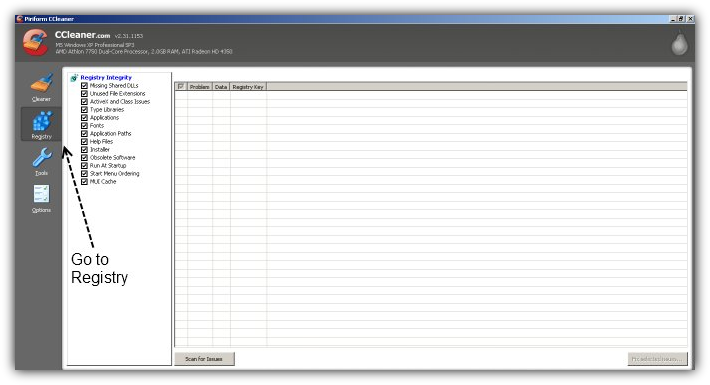
Step 2: Go To Registry Options.
Turn Your PC In A Race Car
Learn How To Clean The Registry Of Your PC With CCleaner
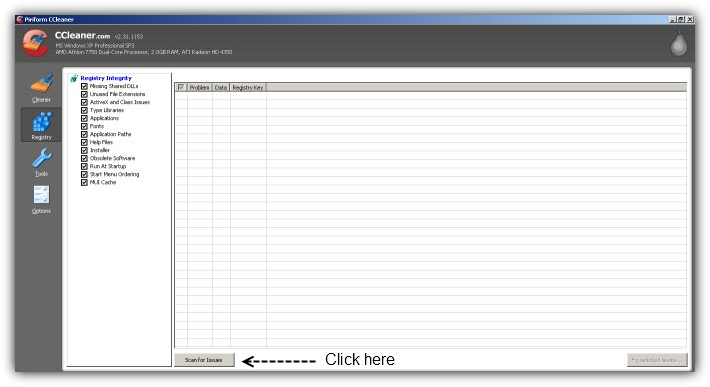
Click Scan For Issues
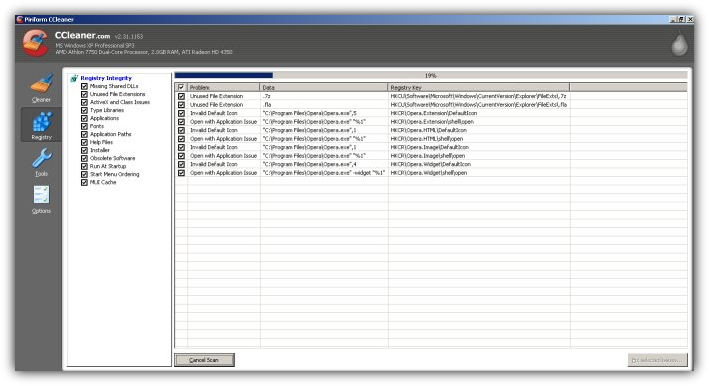
Wait...
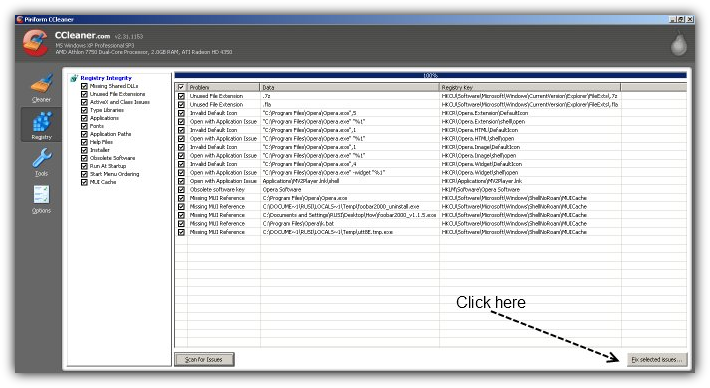
Step 3: Once the results are ready Click On Fix Selected Issues
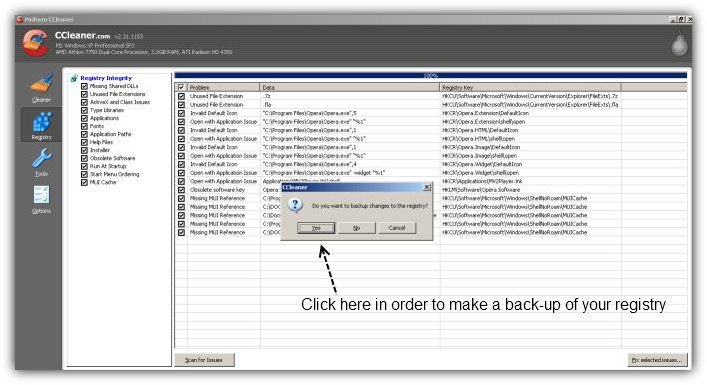
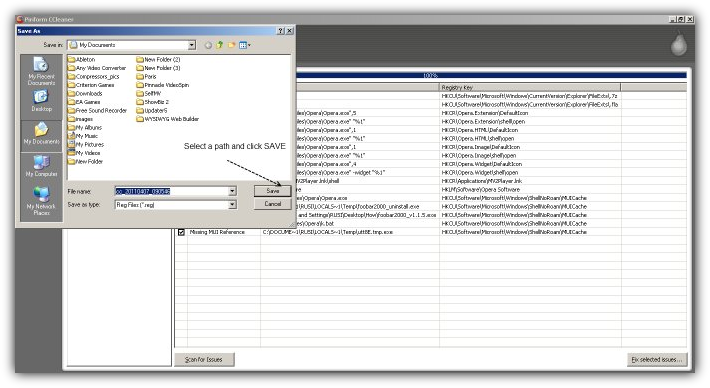
CCleaner will ask you if you want to make a back-up of your registry. Click "Yes" because later you might want to restore you previous settings in the future. If you don't want to say "No" in order to speed up the process.
Save The Registry File
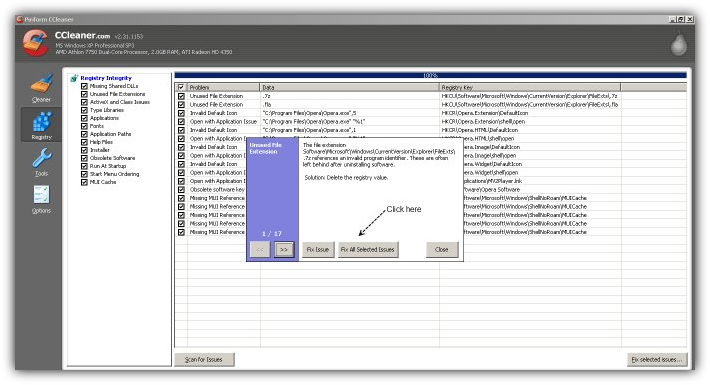
Step 4: Fix The Issues
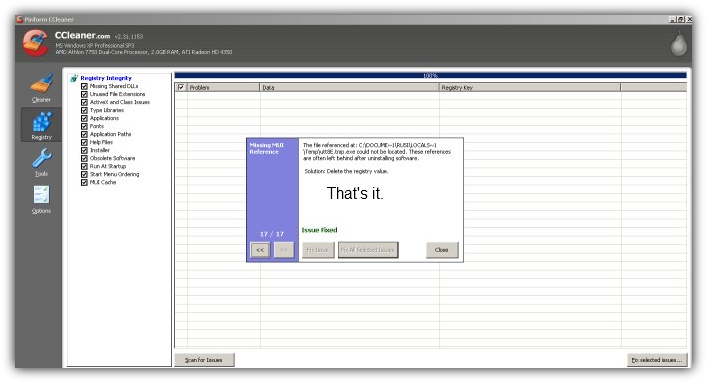
Click on Fix Selected Issues and Wait...
You might also like...